
Palworld breeding tree guide
Palworld Breeding Tree: Read Routes and Plan Shortest Paths
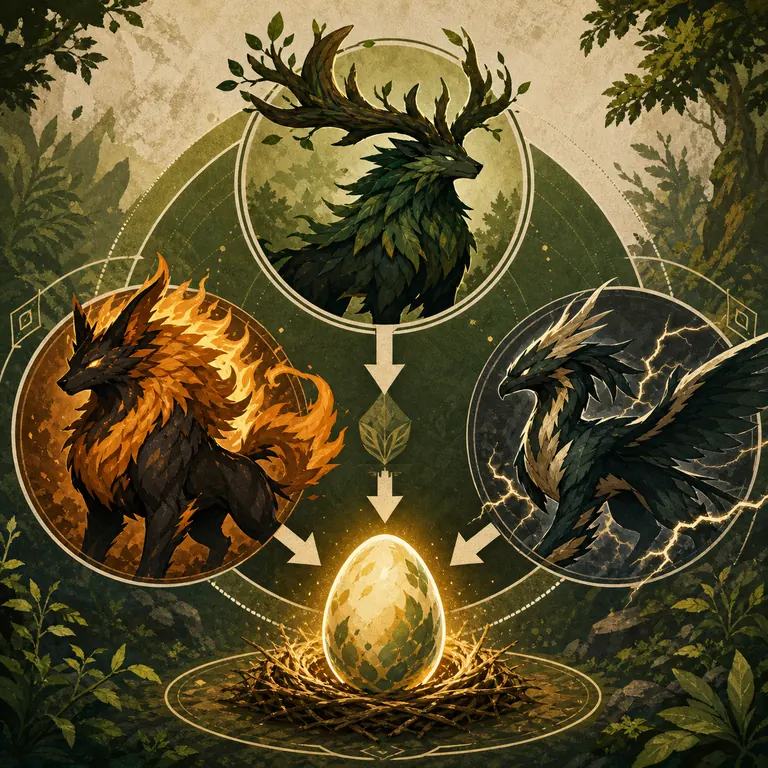
A Palworld breeding tree is a way to read the parent relationships behind a target Pal as a branching route. It answers a different question from a flat breeding list: which parents can lead to the target, which intermediate Pals are needed, and where does your own collection join the tree?
Quick answer: what does a Palworld breeding tree show?
A tree starts at a target Pal and expands toward possible parent pairs. Each branch is a relationship from the local dataset; each extra level is another generation you must prepare. The useful route is the branch that connects to Pals you actually own, not automatically the branch with the fewest nodes on a universal chart.
The chart is best for checking whether a child-parent pair exists. The tree is best for explaining dependencies and spotting bottlenecks. The calculator is best for testing your owned pool, maximum generation depth, and shortest reachable path. Keeping those jobs separate prevents a static row from being mistaken for a complete plan.
For a reliable plan, mark the target, expand only the parents you do not have, count every breeding cycle, and reserve carrier Pals with the passive skills you want to keep. Then verify the final branch in the calculator and in the current game interface before spending Cake.
- Target node: Start with the Pal you want to hatch, not with a random parent pair.
- Branch depth: Every level below the target represents another generation and another resource loop.
- Owned-Pal join: Stop expanding a branch when both parents are available in your box or can be produced deliberately.
- Passive boundary: Species reachability and passive inheritance are separate planning layers.
- Version note: The local relationship snapshot is dated August 5, 2026; compare important results with the live game after patches.
Tree vs. chart vs. calculator: choose the right view
Search results often use tree, chart, list, and calculator as if they were interchangeable. They are not. A chart is a lookup surface: it tells you which child and parent names appear together. A tree adds direction and ancestry, so you can see that a parent is itself a target you must prepare. A calculator applies your starting collection and a generation limit to return a route you can act on.
The table below keeps the boundaries clear. Use a single view for the immediate question, then move to the next view only when the decision requires it. This avoids copying a long list into a plan that ignores parent availability, self-pair requirements, or passive carriers.
| View | Answers | What it does not promise |
|---|---|---|
| Breeding chart | Does this child-parent pair appear in the snapshot? | It does not calculate your shortest route or Cake budget. |
| Breeding tree | Which parent branches and intermediate targets lead to the child? | It does not prove that every branch is reachable from your save. |
| Breeding combo list | Which named pairs are useful examples for popular targets? | It is not a ranking for every player or patch. |
| Route calculator | Can my owned Pals reach this target within a generation limit? | It cannot predict the exact passive roll or server-specific rules. |
| Passive-skill plan | Which carrier parents should I protect while breeding the species? | It does not replace a species route or guarantee inheritance. |
| Farm guide | How do I keep the breeding facility producing Eggs? | It does not choose the parent path for a missing Pal. |
Information boundary: use the tree to reason about dependencies, the chart to verify a relationship, and the calculator to test a route from your own Pals. The three tools complement one another rather than competing for the same query.
How to read a breeding tree without losing the route
Read from the target down toward the parents. If a branch contains a Pal you already own, treat that node as a checkpoint and do not expand it unless the route needs a second copy. If the same Pal appears twice, the relationship is a duplicate-parent requirement in this snapshot; it is not a shortcut that creates the first copy from unrelated parents.
A good tree is also a resource plan. Count the number of parent pairs, the Eggs you must produce, Cake cycles, parent slots, and storage space. A branch that is one generation shorter can still be worse when it depends on a rare parent, while a longer branch may be practical when it uses common Pals already in your box.
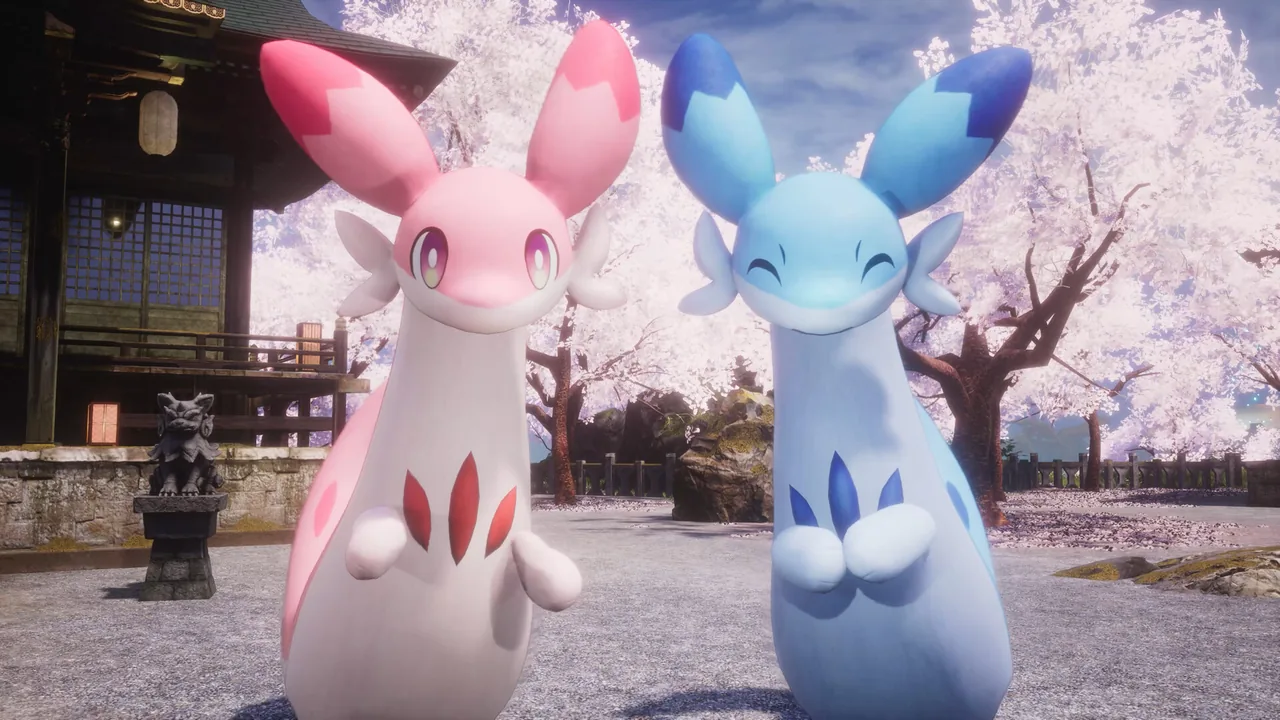
The official Steam screenshot below is used only to ground the idea of a real in-game pair. It is not a timer proof or a live data export. The tree itself is derived from the site's dated relationship snapshot, so the current game result remains the final check.
-
1. Write the target and role
Record the target Pal and whether the goal is base work, combat, travel, collection, or a passive project. A role keeps the tree from turning into an unfocused rarity list.
-
2. Expand one parent pair
Open one branch at a time. Compare both parent names with your box and mark each parent as owned, breedable, rare, or unknown.
-
3. Stop at usable checkpoints
When a branch reaches two parents you can supply, freeze that node. Expanding every possible ancestor creates noise and hides the route you can actually run.
-
4. Count generations and resources
Add one breeding cycle for each parent pair. Reserve Cake, farm slots, storage, and any carrier Pals before you commit to a longer branch.
-
5. Check the version boundary
Compare the data date, Pal names, variants, and patch notes. If the game disagrees with the snapshot, record the difference instead of silently substituting a similar Pal.
Worked example: turn a tree into a save-specific route
Imagine that Anubis is the target and Penking is already in your box, while Bushi is not. A flat combo list can show Penking plus Bushi, but it cannot tell you whether Bushi is the first missing parent or whether a passive carrier should be protected. The tree makes that dependency visible: Anubis is the target node, Penking is a ready checkpoint, and Bushi becomes the next planning target.
Now compare two branches instead of chasing every possible pair. Branch A reaches Bushi in one additional cycle but uses a parent you already own. Branch B has a direct-looking row but requires two rare parents. Branch A may cost more total generations on paper yet finish sooner in a real save because the parents are available and the storage plan is simpler.
Use the table as a worksheet. The numbers are planning counts, not a promise that the game will produce a specific passive combination. Add extra attempts when a passive goal matters, and keep the species route separate from the trait route.
| Node | Status in the save | Decision |
|---|---|---|
| Anubis | Target | Keep the target fixed while comparing branches. |
| Penking | Owned checkpoint | Do not expand unless a second copy is required. |
| Bushi | Missing parent | Open Bushi's own parent branches or plan a capture. |
| Passive carrier | Optional constraint | Protect the parent line; do not assume the tree guarantees traits. |
| Breeding farm | Execution step | Confirm assignment, Cake, pathing, and Egg storage before scaling. |
| Calculator result | Validation | Enter owned Pals and test the generation limit before the first cycle. |
A route is ready when every required node has an acquisition plan. If a row only says that a relationship exists, keep it as research and do not label it as a complete shortest path.
Why a breeding tree can look right but fail in practice
Most tree mistakes are boundary mistakes. Players stop at the first direct pair, treat a rare self-pair as a recipe for the first copy, or mix a species route with a passive-skill objective. A tree is useful precisely because it exposes those assumptions before Cake is spent.
If the calculator returns no route, compare the target spelling and variant, add the missing intermediate Pal as a new goal, or raise the generation limit carefully. Do not replace a missing parent with a similarly named species without checking the current data and game result.
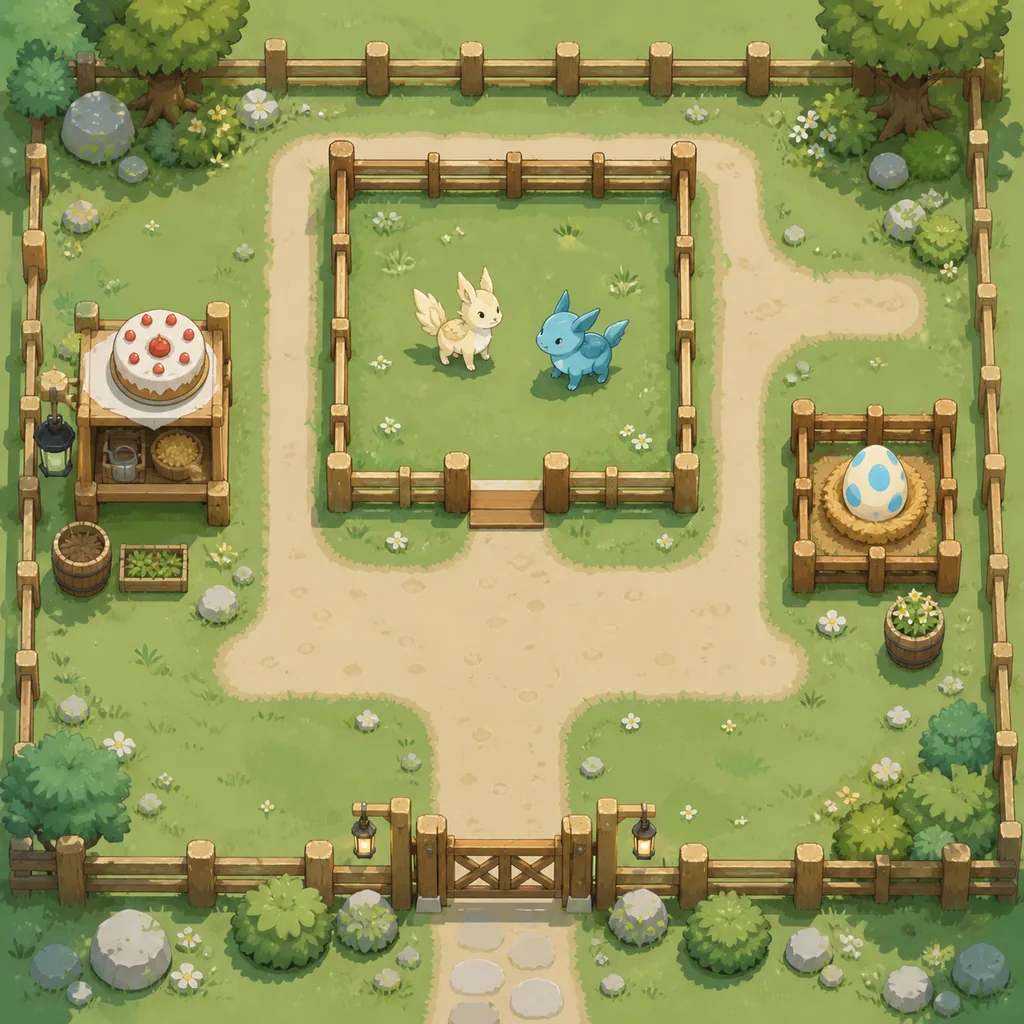
A working tree also needs a working farm. A valid pair still needs an assigned parent, Cake, a clear path, storage space, and an incubator plan. Diagnose the facility separately from the relationship data so a blocked worker does not send you searching for a new combo.
- Only one parent is available: Keep that parent as a checkpoint and trace the other parent as the next target.
- The same Pal appears twice: Plan for two copies; the row describes a duplicate-parent relationship.
- The species is correct but traits are wrong: Move to the passive-skills plan and expect repeated Eggs rather than a guaranteed roll.
- The route is empty: Check names, variants, owned-Pal input, and generation depth before assuming the dataset is broken.
- The farm stops producing: Check parent assignment, Cake, pathing, storage, and the farm guide before changing the tree.
Verify the tree in the Palworld breeding calculator
The calculator is the final route check because it starts with your actual owned Pals. Choose the target, enter the names you can supply, and set a maximum generation depth that matches your storage and Cake budget. Read each returned pair as a proposed branch, then compare it with the tree notes you made while researching.
Use the breeding chart when you need to confirm a child-parent row, and use the combos guide when you want a short list of practical examples. When the species route is stable, use the passive-skills guide to protect carriers and the farm guide to keep the production loop moving.
This division of labor keeps the page useful after a patch. The tree explains the reasoning, the local dataset records the snapshot date, and the live game plus the calculator decide whether the branch is still actionable in your save.
Open the Palworld breeding calculator Search the breeding chart Compare breeding combos Plan passive-skill inheritance Read the breeding farm guide
Palworld breeding tree FAQ
Is a Palworld breeding tree the same as a breeding chart?
No. A chart is a lookup table for recorded child-parent pairs. A tree adds direction, ancestry, and intermediate targets so you can reason about a route. Use the chart to verify a row and the calculator to test a route from owned Pals.
Can a breeding tree guarantee the shortest Palworld route?
It can help you compare branches, but a universal tree cannot know which Pals you own, which variants you can capture, or how many passive attempts you need. The calculator is the better shortest-path check for a specific save.
What does a duplicate parent in the tree mean?
A row such as the same Pal on both sides means the snapshot requires two copies of that Pal for the relationship. It should not be read as a recipe for obtaining the first copy from common parents.
How does the Palworld breeding tree calculator differ from the chart?
The chart searches static records. The calculator takes a target, an owned-Pal pool, and a generation limit, then searches for a reachable route. The tree guide explains how to inspect the dependency chain before you use either surface.
Should passive skills be included in the breeding tree?
Keep passive skills as a second layer. A species relationship can produce the target without guaranteeing Legend, Swift, Artisan, or another desired set. Protect carrier parents and expect extra Egg attempts when traits matter.
Why does a tree branch not match my game after a patch?
The site uses a dated local snapshot, and game updates can change names, variants, or relationships. Record the patch, compare the current game result, and report a source-backed correction instead of forcing the old branch.
Do I need the breeding farm guide after I build a tree?
Usually yes. The tree plans the parent route; the farm guide covers assignment, Cake, pathing, Egg storage, and production troubleshooting. Both parts are needed for a repeatable breeding loop.
Summary: use the tree to make the next breeding decision
The best Palworld breeding tree is the one you can connect to your own collection. Start at the target, expand only missing parents, mark owned checkpoints, count generations and resources, and keep passive planning separate from species reachability.
Use the tree for reasoning, the chart for relationship lookup, the calculator for a save-specific route, and the live game for the final result. This page uses the local relationship snapshot captured on August 5, 2026, so recheck important branches after a patch.
Sources and scope
The route relationships and examples on this page come from the local reduced dataset generated from the public mlg404 Palworld Paldex API snapshot. The data is a planning aid, not an official Pocketpair database, and the current game result remains the final authority.
The pair image is credited to the official Palworld Steam store media gallery. The route and farm images are editorial illustrations already used on this site and are labeled as concepts rather than official screenshots.